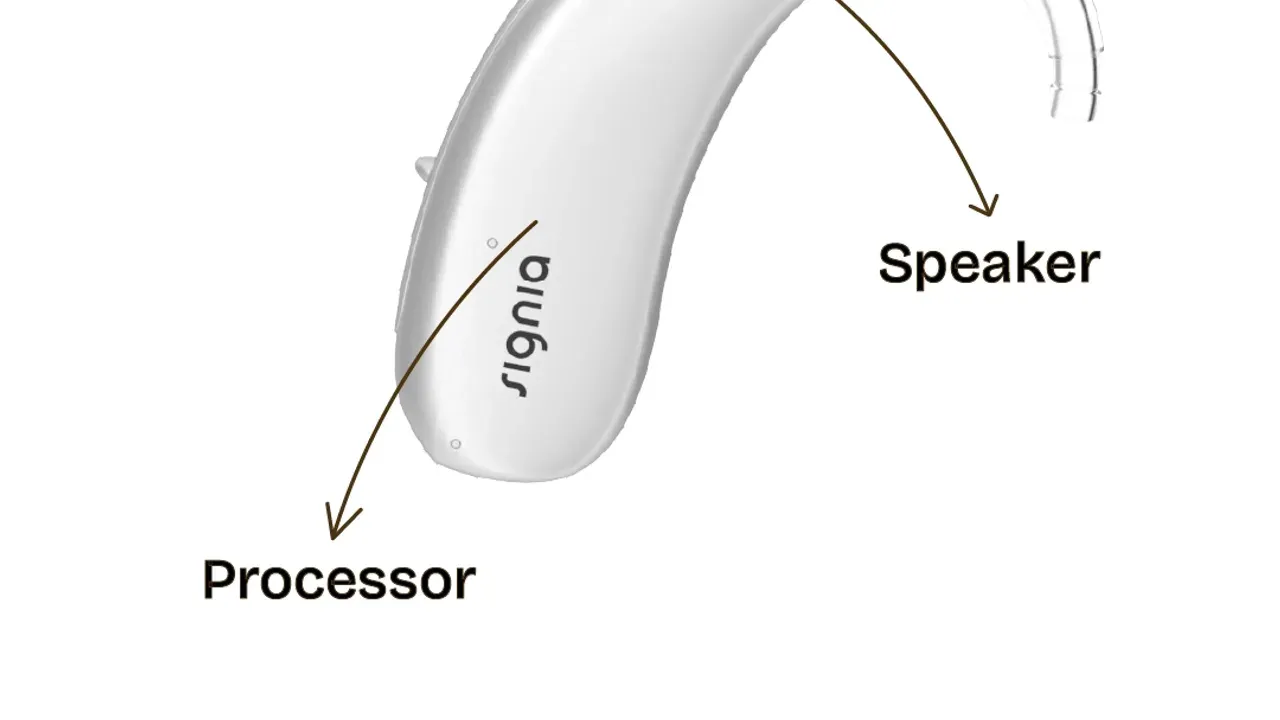
How to get started with your new Phonak Hearing Aids?
Just got Phonak hearing aids? A simple owner’s guide: first fitting, powering on, the week by week wear schedule, daily cleaning, safeguarding, and quick troubleshooting fixes.
Akriti Kumar, Audiologist
4 min read

Congratulations on your new Phonak hearing aid! This guide explains how to start using your device, care for it properly, and safeguard it for long-lasting performance.
1. Getting Started
Initial Fitting
Now that your Phonak hearing aid is custom-programmed to your hearing profile:
- Ensure it fits securely and comfortably in your ear.
- Practice insertion and removal of the hearing aid in front of a mirror.
Powering On
For Rechargeable hearing aids
To turn on your Phonak hearing aids, follow these simple steps:
- For all Phonak models, the power button is the lower volume button. Press and hold it for about 10 seconds.
- Listen for a tone, which indicates that the hearing aids are powering on.
- If you are unable to detect the switch on tone, you can also cup the hearing aids within your palm to hear the squealing sound of the hearing aid indicating that its on. Or the green light on the aid would indicate that the machine is switched on.
For battery hearing aids
To get your device ready for use, follow these simple steps:
- Locate the designated battery compartment. Make sure you have the right size battery.
- Remove the sticker from the battery and let it air a little. Zinc air battery needs to activate fully to work optimally.
- Insert the battery into the compartment.
- Close the compartment securely.
Once the battery is in place, your device will be switched on and ready to use!
2. Using Your Phonak Hearing Aid Daily
A common concept that we at Synva tell our customers is that, it takes up to 2-3 weeks for the acclimatization with the hearing aid. And this period is crucial for you to get well-adjusted with the new device. Thus, follow this plan to have a seamless transition into a world full of sounds.
Listening Experience
To ensure you get the most out of your hearing aids, remember to remove them only while sleeping and bathing. Gradually increase your wear time as follows:
Wear Time Schedule
- First Week: Aim for a total of 4 hours of wear time. You can wear the aids for an hour, then take a 15-minute break before putting them back on. Focus on getting comfortable with putting them on and taking them off independently.
- Second Week: Increase your wear time to 6 hours. Continue to take breaks as needed and get used to wearing the aids.
- Third Week: Aim for up to 8 hours of wear time. You will begin to get comfortable inside the house, in outside environment, in multi-speaker environment etc. with the aids.
Additional Tips
- Start in quiet environments and gradually move to noisier places to build your comfort and confidence.
- Expect to listen comfortably to phone calls and TV only after two weeks of consistent use.
- Use the myPhonak app (available on Android/iOS) to adjust volume, switch programs, and balance sound. Follow these steps:
3. Care for Your Hearing Aid
Daily Cleaning
- Gently wipe the ear mold or dome with a soft cloth.
- Use the cleaning tools to clear the receiver of wax.
Battery or Charging
- Place the device in the Phonak charging case every night.
- A full charge provides up to 24 hours of use.
Storage
- Keep the device in a dry case away from moisture, dust, and heat.
4. Safeguarding Your Hearing Aid
Do Not:
- Wear while showering or swimming.
- Use sprays or cosmetics near the device.
- Open or repair the device yourself.
Helpful Tips:
- Store in a safe pouch or case when not worn.
- Carry extra wax filters and battery packs (if applicable).
- Replace worn ear molds or domes.
5. Troubleshooting Quick Fixes
Problem | Solution |
|---|---|
Device won’t power on | Ensure charger contacts are clean and connected |
Sound distortion | Clean receiver or change wax filter |
Feedback issues | Re-adjust ear mold position or consult audiologist |
App connection problems | Re-pair using myPhonak app |
6. When to Contact Synva
If you experience:
- Persistent discomfort
- Distorted sound
- Repeated feedback
- Charging or app connection issues
- Regular check up must be done once every 6 months.
Visit your nearest Synva clinic or reach out to us on +919515018484
Final Tips for Success
- Wear your hearing aid consistently to adapt faster.
- Keep your Phonak hearing aid clean and fully charged every night.
- Attend regular follow-up appointments for best performance.
Watch the video for troubleshooting your hearing aids for the most common problems
Share
WhatsApp